How to compress JPG and PNG without resizing
BytePinch Image compresses JPG, JPEG, and still PNG files in your browser. The images keep their format and dimensions. PNG keeps its pixels and transparency, while JPG can lose fine detail when re-encoded.
How to compress
- Click “Choose images” or drop up to 5 JPG or PNG files into the tool.
- Check the size savings for each file. Open the image comparison to review fine detail before saving.
- Save the images individually or choose “Download all (ZIP)” for the entire batch.
Measured examples
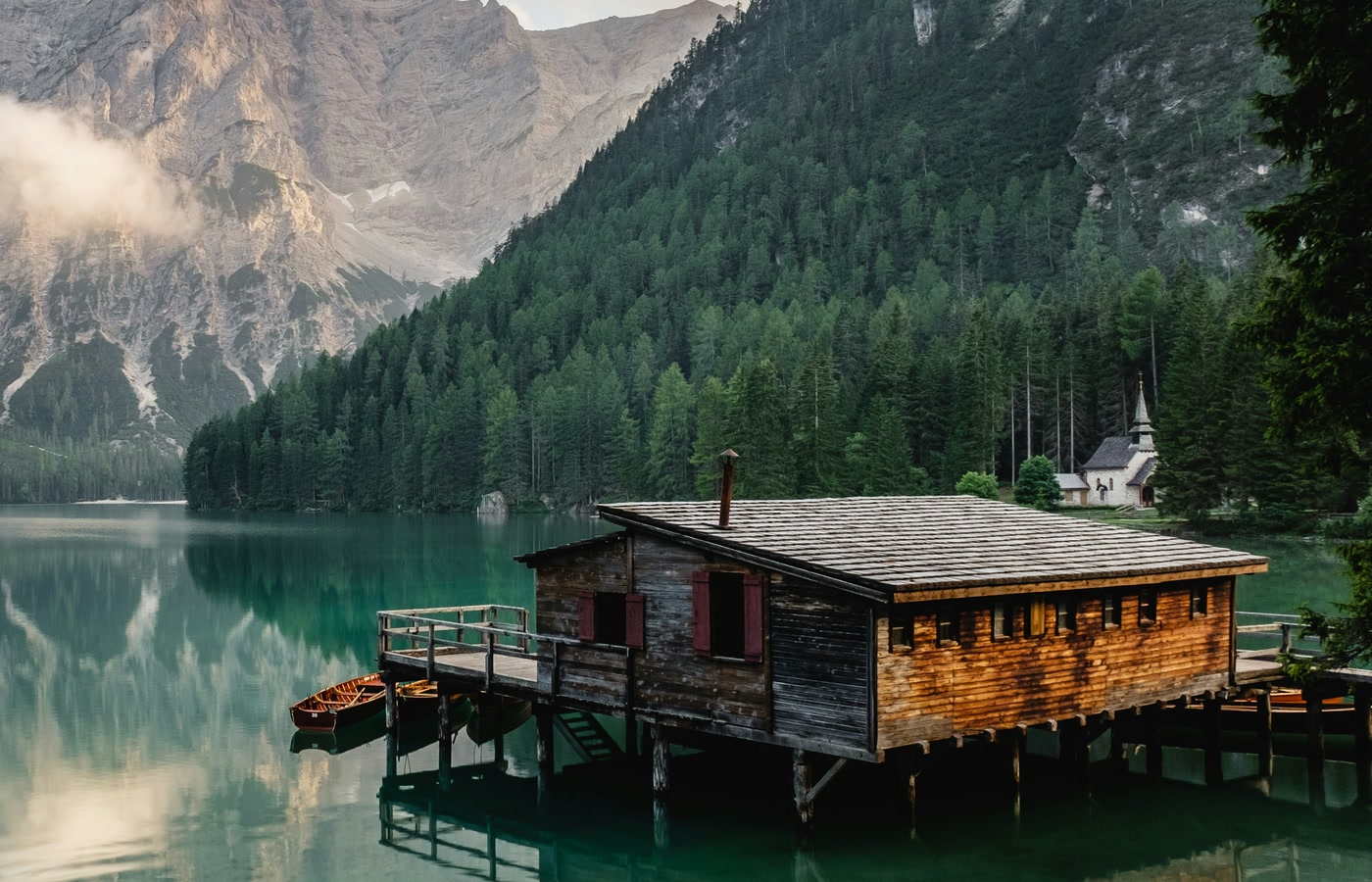
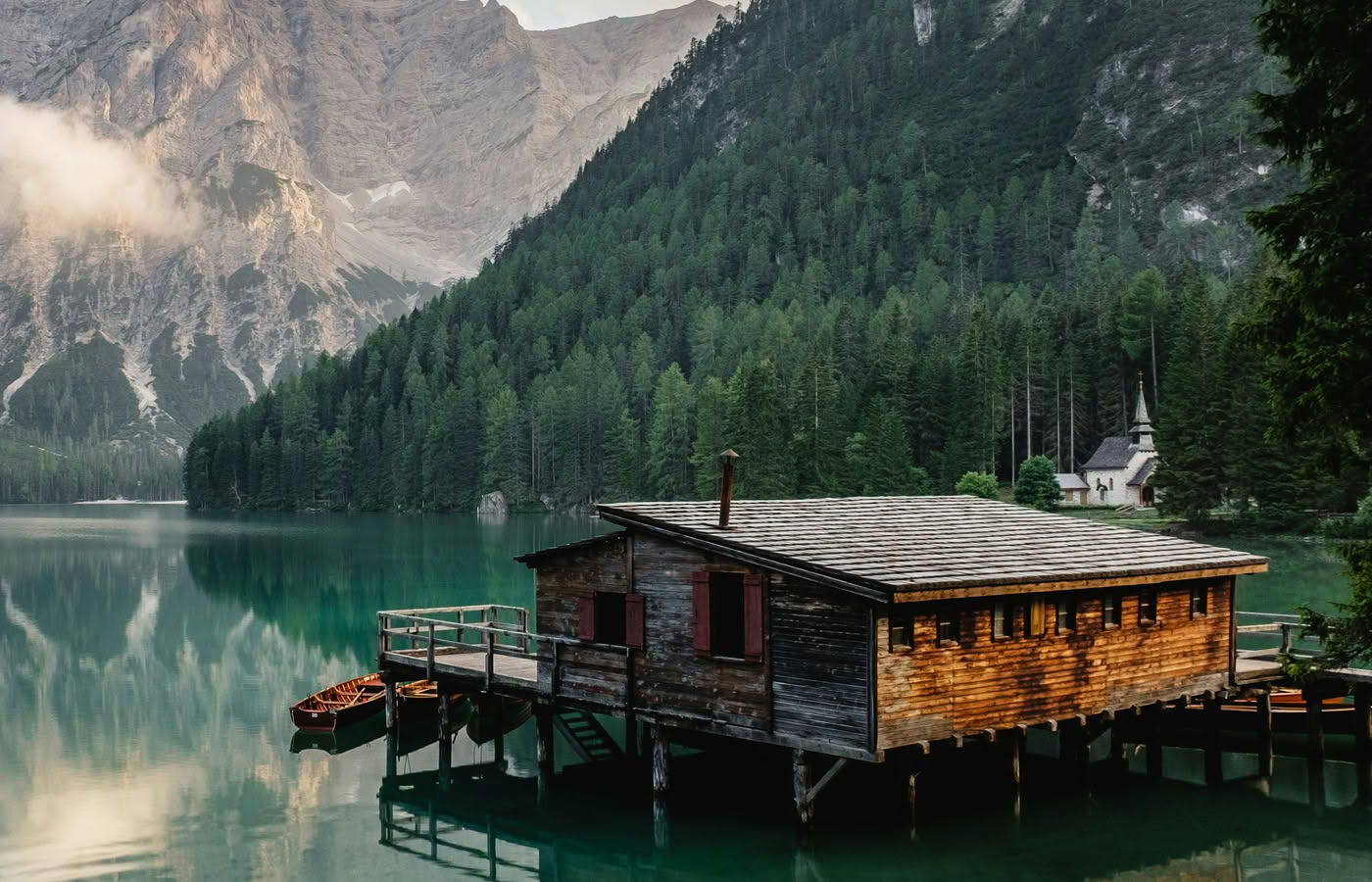
Try “Compare detail” to inspect the lake JPG and “Difference” to see where the pixels changed. The transparent PNG pair has the same RGBA pixels, including the alpha channel.
Sample comparisonFile limits
Each image can be up to 24 MiB and 24 megapixels, with a maximum of 16,384 pixels on either side. Use still PNG or JPEG files. When an image is already optimized and the output would be no smaller, the tool returns the original.